
Asana vs ClickUp vs Monday: Which Is Right for Your Organization?


Choosing the right project management platform can significantly impact how teams collaborate, execute work, and maintain operational visibility.
As organizations grow, project workflows often become more cross-functional, deadline-sensitive, and operationally complex. The challenge is that many companies adopt software based on popularity, feature lists, or pricing without evaluating how the platform actually supports their delivery structure.
When comparing Asana vs ClickUp vs Monday, the best choice depends less on which tool has the most features and more on which system aligns with how your organization operates.
Each platform approaches project management differently, and understanding those differences is critical before implementation.
Why the Right Project Management Platform Matters
Project management software is no longer just a task-tracking tool.
For growing organizations, these platforms become operational systems that influence:
team collaboration
workflow visibility
reporting accuracy
project accountability
resource planning
cross-functional execution
The wrong platform can create process fragmentation, inconsistent reporting, and low team adoption. The right platform can improve visibility, streamline execution, and reduce operational friction across departments.
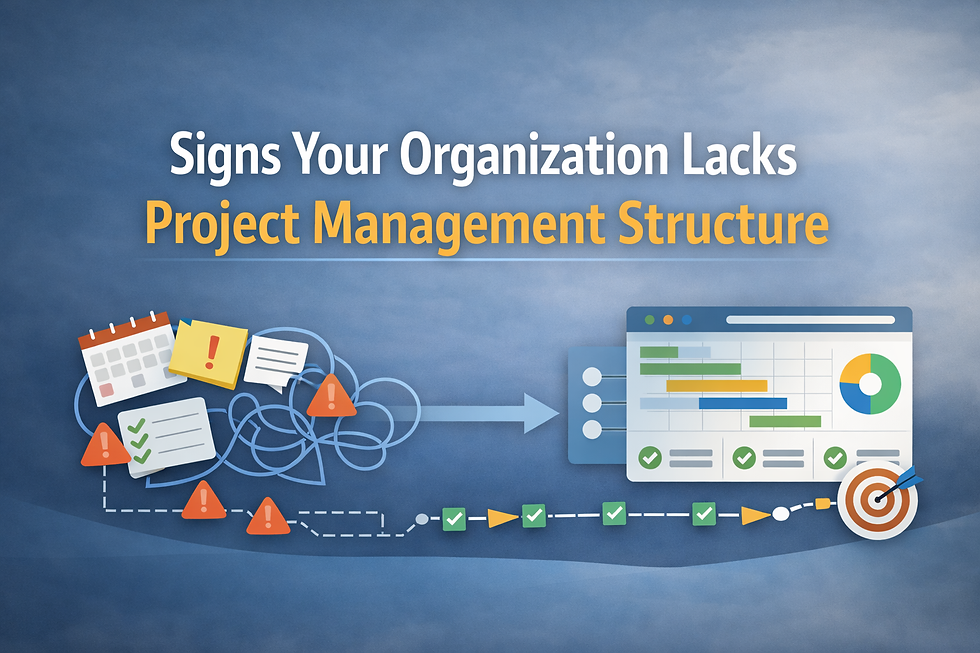
Organizations evaluating new systems also benefit from understanding whether their current project management challenges stem from tooling limitations or broader structural gaps, especially when reviewing common indicators outlined in Signs Your Organization Lacks Project Management Structure.
This is especially important for organizations already experiencing delivery bottlenecks or inconsistent workflows, similar to the operational challenges discussed in Why Projects Fall Behind (And How to Fix It).
Asana: Best for Structured Collaboration and Simplicity
Asana is widely known for its clean interface and user-friendly workflow structure.
For organizations prioritizing ease of adoption and cross-functional collaboration, Asana often performs well because teams can onboard quickly without extensive technical setup.
Strengths
Clean and intuitive interface
Strong task and timeline management
Good visibility across projects
Effective for marketing, operations, and collaborative teams
Lower learning curve for non-technical users
Potential Limitations
Less customizable than some competitors
Advanced reporting and automation may feel limited for complex operational environments
Can become difficult to scale for highly process-heavy organizations
Asana is often a strong fit for organizations seeking operational clarity without overwhelming teams with configuration complexity.
ClickUp: Best for Customization and Operational Flexibility
ClickUp positions itself as a highly customizable all-in-one productivity platform.
Organizations managing complex workflows, multiple operational layers, or highly customized delivery processes often gravitate toward ClickUp because of its flexibility.
Strengths
Highly customizable workflows
Extensive automation capabilities
Multiple project views and configurations
Strong documentation and process-management features
Flexible reporting and dashboards
Potential Limitations
Higher learning curve
Can feel overwhelming during implementation
Teams without clear operational structure may struggle with adoption
Excessive customization can create inconsistency between departments
ClickUp is typically most effective for organizations that already have relatively mature operational processes and need flexibility to support them.
This is also why businesses evaluating workflow platforms often benefit from first assessing their operational maturity and internal project structure before implementation, especially when scaling processes across teams.

Monday.com: Best for Visual Workflow Management
monday.com focuses heavily on visual workflow management and operational transparency.
The platform is designed to make workflows highly visible across teams, making it attractive for organizations that prioritize high-level oversight and project coordination.
Strengths
Strong visual interface
Easy-to-understand dashboards
Good cross-functional visibility
Effective workflow visualization
Flexible collaboration environment
Potential Limitations
Advanced operational processes may require additional setup
Reporting depth can vary depending on use case
Some organizations may outgrow simpler workflow structures over time
Monday.com often works well for organizations that need visibility and coordination without requiring highly technical workflow architecture.
Asana vs ClickUp vs Monday: What Should Organizations Actually Prioritize?
The best project management platform is not necessarily the one with the longest feature list.
Organizations should prioritize:
team adoption
workflow clarity
reporting visibility
scalability
operational consistency
implementation simplicity
Before selecting a platform, leadership teams should evaluate:
how projects currently move through the organization
where communication breakdowns occur
how accountability is tracked
what level of reporting visibility leadership actually needs
whether teams are aligned operationally
In many cases, tooling problems are actually process problems.
Organizations struggling with inconsistent collaboration or siloed execution often discover that operational alignment matters just as much as the software itself, particularly in environments experiencing the challenges discussed in How to Improve Cross-Functional Team Alignment.

When evaluating Asana vs ClickUp vs Monday, there is no universal “best” platform.
The right choice depends on:
organizational complexity
workflow maturity
reporting requirements
team adoption needs
operational structure
The most successful implementations happen when organizations align their software selection with how teams actually work instead of forcing workflows around software limitations.
Technology alone does not improve execution. Clear operational structure, accountability, and adoption remain equally important.
If your organization is evaluating project management platforms or struggling with inconsistent operational workflows, Fractional Project Management can help assess your delivery structure, improve cross-functional alignment, and support scalable implementation strategies.
Schedule a call with our team to determine which systems and operational processes best support your organization’s growth.


Comments